
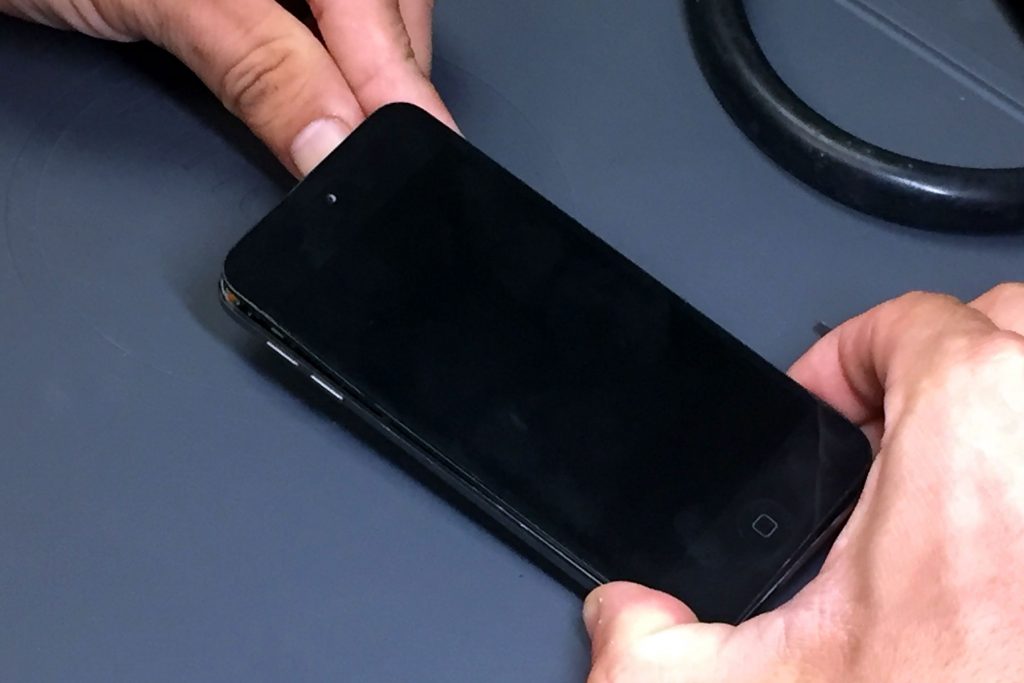
You press the power button on your old iPod, expecting to hear your favorite music. Instead, the Apple logo appears, the screen goes dark, and the device starts all over again. If your iPod keeps restarting, you’re likely dealing with a problem commonly called a boot loop.
This issue can affect several iPod models, including the iPod Classic, iPod Nano, and iPod touch. Sometimes, a simple reset or charging session solves the problem. In other cases, an aging battery, failing storage drive, corrupted software, or damaged internal component may be responsible.
The good news is that a restarting iPod isn’t necessarily beyond repair. Before you give up on your music collection, let’s explore the common causes, practical troubleshooting steps, and signs that it’s time to seek professional iPod repair.
iPod Keeps Restarting? Common Causes and Fixes
An iPod needs reliable power, functioning hardware, and working software to complete its startup process. If something interrupts that process, the device may shut down and try again.
Here are the most common reasons an iPod keeps restarting:
- A weak or failing battery: The battery cannot provide stable power during startup.
- Corrupted software: The operating system or stored system files prevent the device from starting normally.
- Failing storage: An older iPod Classic may have trouble reading its internal hard drive. Flash-based models can also develop storage problems.
- Internal connection problems: A damaged cable, loose connection, or faulty component can interrupt startup.
- Logic board damage: A hardware fault can prevent the device from completing its startup sequence.
- Physical or liquid damage: A drop, impact, or exposure to moisture can damage internal components.
For example, an iPod Classic that displays the Apple logo repeatedly and makes unusual clicking sounds may have a failing hard drive. An iPod touch that restarts whenever you disconnect its charging cable may instead have a worn battery.
These symptoms provide useful clues, but they don’t confirm the cause by themselves.
1. Could a Weak Battery Make Your iPod Keep Restarting?
Yes. A deteriorating battery is one of the first things to consider when an older iPod repeatedly shuts down or restarts.
Rechargeable batteries lose capacity as they age. They may also struggle to supply enough power when a device starts up, even if the battery indicator suggests that some charge remains.
Apple’s battery guidance states that iPod batteries are designed to retain up to 80% of their original capacity at 400 complete charge cycles. Actual battery performance varies with usage and charging conditions. Older devices may have batteries that have deteriorated well beyond that point.
What are the signs of a failing iPod battery?
Look for these symptoms:
- The iPod restarts when you unplug it.
- The battery indicator jumps between different charge levels.
- The device shuts down even though the battery appears charged.
- The iPod works only while connected to a power source.
- The battery drains unusually quickly.
- The device has been stored unused for years and struggles to hold a charge.
How can you test the battery?
- Connect the iPod to a known-good, compatible charging cable and power adapter.
- Check the charging port and cable for visible damage or debris.
- Let the device charge for a reasonable period while monitoring it.
- If it starts successfully, check whether it remains stable while connected.
- If it works only when plugged in, arrange a battery assessment rather than assuming that charging has fixed the problem.
Avoid repeatedly forcing a device to start if it becomes unusually hot or shows signs of battery swelling. Disconnect it from power if you can do so safely, and seek professional assistance.
Real-world example: An older iPod Nano may display the Apple logo, shut down, and repeat the process because its battery voltage drops during startup. If a technician confirms that the battery cannot deliver stable power, replacing the battery may resolve the restarting problem.
2. Is Your iPod Stuck in a Boot Loop Because of Software Problems?
A boot loop occurs when an iPod begins starting up but never reaches its normal operating screen. Instead, it repeatedly restarts.
Software corruption can cause this behavior, particularly after a failed update, an interrupted restore, or another software-related problem. However, a boot loop doesn’t automatically mean that the software is at fault. Failing hardware can produce similar symptoms.
How do you fix an iPod boot loop?
Start with a force restart. This refreshes the device’s current operating state without intentionally erasing its stored content.
The procedure depends on your model.
iPod Classic
- Move the Hold switch to the unlocked position.
- Press and hold the Menu and Center (Select) buttons together.
- Continue holding them for approximately eight seconds, or until the Apple logo appears.
iPod touch, 7th generation
- Press and hold the Top (or Side) button and Volume Down together.
- Continue holding until the Apple logo appears.
iPod touch, 6th generation and earlier
- Press and hold the Home and Top (or Side) buttons together.
- Continue holding until the Apple logo appears.
iPod Nano models use different combinations depending on their generation. Check Apple’s model-specific force-restart instructions before proceeding.
What if the iPod keeps restarting after a force restart?
If the device continues looping, connect it to a computer and see whether the computer recognizes it.
For an iPod touch, use Finder on a compatible Mac or the Apple Devices app on a Windows PC. Depending on the software and model, iTunes may also be relevant.
If the device offers an update, consider that option before attempting a restore. A restore reinstalls the operating system but erases the device’s data.
Do not restore an iPod simply because it keeps restarting if its music or other files are irreplaceable and you don’t have another copy.
Real-world example: An iPod touch that begins restarting after a failed software update may recover after a successful update or software recovery. If the problem continues after a proper recovery, a hardware fault becomes more likely.
3. Could a Failing Hard Drive or Storage Component Be the Problem?
Older iPod models use different storage technologies. Many iPod Classic models rely on a mechanical hard drive, while other models use flash storage.
When storage begins to fail, the iPod may struggle to read the files it needs to start. As a result, it may repeatedly display the Apple logo, freeze during startup, or show a warning icon.
What are the signs of a failing iPod hard drive?
Watch for symptoms such as:
- Repeated clicking or grinding noises from a hard-drive-based iPod.
- A folder or warning icon during startup.
- The Apple logo appearing repeatedly without reaching the main menu.
- Music skipping or freezing before the restart problem began.
- A computer that intermittently recognizes the iPod.
- Failed restores or repeated storage-related errors.
Not every restarting iPod has a failing drive. A damaged battery, cable, or logic board can cause similar symptoms.
What should you do if you suspect storage failure?
First, avoid repeatedly restarting the device or attempting multiple restores. If the iPod contains music that you cannot replace, preserving access to that data should be a priority.
If the iPod still starts occasionally, investigate whether you can safely back up or recover its contents. If it contains irreplaceable files and the storage appears to be failing, professional assessment may be safer than experimenting with repair software.
Do not shake, tap, or drop the iPod to make a mechanical drive work again. Those actions can make an existing hardware problem worse.
Real-world example: An iPod Classic that clicks repeatedly, displays the Apple logo, and then restarts may have a damaged hard drive or an internal connection problem. A technician can investigate the drive, its connection, and related components before recommending a repair.
4. Can a Damaged Charging Port or Cable Cause Repeated Restarts?
Yes. An unreliable charging connection can prevent an iPod from receiving consistent power.
A worn cable, damaged charging port, dirty connector, or faulty power adapter may cause charging to start and stop. If the battery is already weak, those interruptions can make the restarting problem more noticeable.
How do you check the charging connection?
Try these steps before assuming the iPod needs internal repair:
- Use a known-good, compatible charging cable.
- Test a different suitable power adapter or computer USB port.
- Inspect the connector for visible damage.
- Check for debris around the charging port without inserting metal objects or forcing anything inside.
- Observe whether charging repeatedly connects and disconnects.
If the connection feels loose or the iPod charges only when you hold the cable at a particular angle, the port or its internal connection may need attention.
Never continue using a damaged cable or force a connector into place.
Real-world example: An iPod touch may restart repeatedly when the battery is nearly depleted because a damaged charging port prevents it from charging properly. Replacing the battery alone would not solve the problem if the port remains faulty.
5. Could Liquid Damage or a Faulty Logic Board Be Responsible?
If basic troubleshooting doesn’t work, the problem may involve an internal hardware component.
The logic board controls communication between the iPod’s major components. Damage to its circuitry can interfere with startup, power delivery, storage access, or other essential functions.
Liquid exposure, corrosion, impact damage, and electrical faults can all contribute to these problems.
What signs point to internal hardware damage?
Consider professional repair if:
- The iPod began restarting after a drop or liquid exposure.
- The device gets unusually hot during startup.
- The screen repeatedly goes dark despite a stable power connection.
- The computer cannot consistently detect the iPod.
- The device continues restarting after a force restart and appropriate software troubleshooting.
- You see signs of corrosion or physical damage.
If the iPod has been exposed to liquid, stop charging it. Applying power to a wet or corroded device can cause additional damage.
Does a restarting iPod always need a new logic board?
No. A technician should investigate other possible causes before recommending a major component replacement.
For instance, a weak battery or damaged internal connector may mimic a more serious logic board problem. Accurate diagnosis helps prevent unnecessary repairs and gives you a clearer picture of the device’s condition.
Real-world example: An iPod that began restarting immediately after a liquid spill may have corrosion affecting its power circuitry. A professional inspection can help determine whether cleaning, component-level repair, or another solution is appropriate.
6. What Should You Do Before Restoring Your iPod?
Restoring an iPod can help resolve certain software problems, but it comes with an important drawback: it can erase your music, photos, and other stored information.
Before attempting a restore, take these precautions.
- Identify your iPod model. Classic, Nano, Shuffle, and touch models have different troubleshooting procedures.
- Check for an existing backup. Determine whether your music and other files exist on a computer or another storage device.
- Try a force restart first. This is a reasonable initial step and does not intentionally erase your files.
- Check the charging connection. Make sure the cable and power source work properly.
- Look for warning signs. Clicking noises, liquid exposure, or unusual heat may point to hardware problems.
- Attempt software recovery only when appropriate. If you have irreplaceable data, seek advice before performing a destructive restore.
What if your iPod touch won’t restore?
Apple recommends recovery mode in certain situations, including when an iPod touch remains on the Apple logo without making progress or a computer identifies the device as being in recovery mode.
Apple also advises trying an update before choosing Restore when that option is available.
If recovery mode fails, the required buttons don’t work, or the device continues restarting, professional diagnosis may be the next step.
For older iPod Classic and Nano models, the available software recovery options differ, so don’t automatically apply iPod touch instructions to those devices.
Real-world example: If your iPod touch keeps restarting after a failed update, try the appropriate force-restart and recovery procedures. If the device still won’t start, avoid repeating the same restore attempts indefinitely, especially if you need to preserve its data.
7. When Should You Get Professional iPod Repair?
Basic troubleshooting can resolve some restarting issues. However, repeated boot loops can also indicate failing components that require specialized tools and experience.
Professional diagnosis makes sense when:
- Your iPod restarts even after a force restart.
- It only works while connected to power.
- It repeatedly fails to charge.
- A mechanical hard drive makes unusual noises.
- Your computer cannot recognize the device reliably.
- An update or restore doesn’t resolve the issue.
- The iPod has suffered physical or liquid damage.
- Your stored music or other files are too valuable to risk losing.
Is repairing an old iPod worth it?
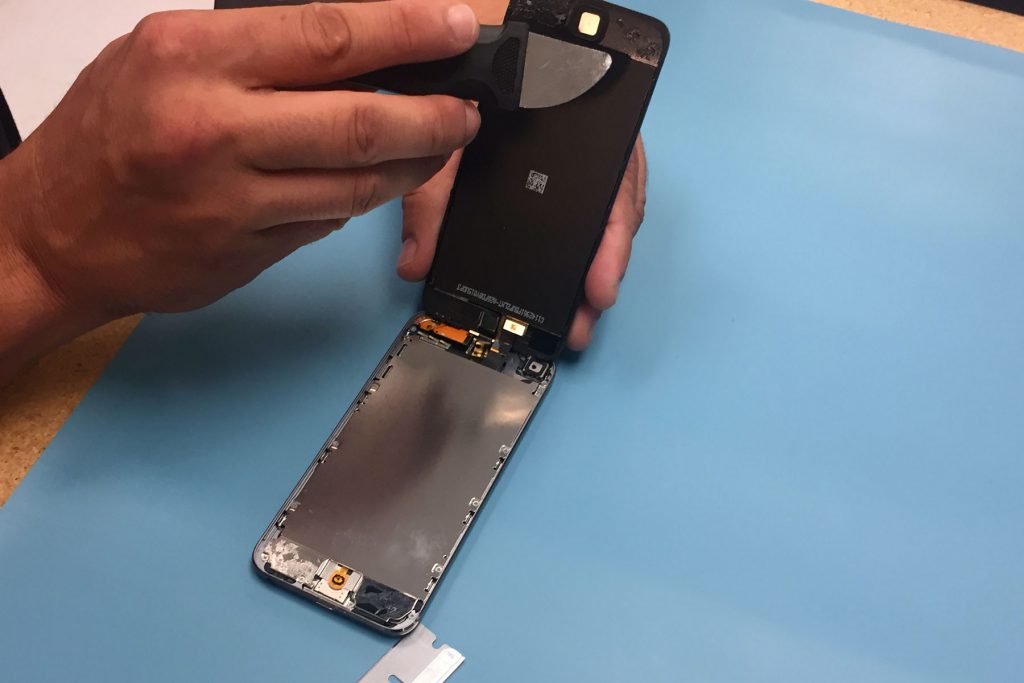
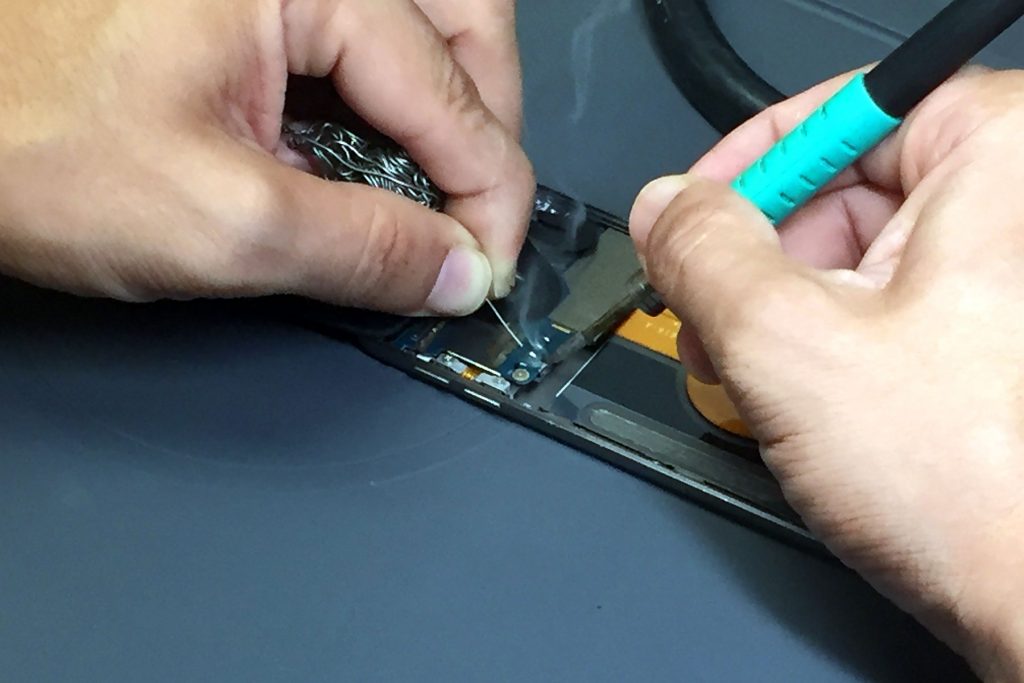
That depends on the model, condition, repair cost, and personal value of the device.
A battery replacement may be worthwhile if the iPod is otherwise working properly. A storage or logic board repair may require a more careful cost-benefit assessment.
Consider these questions before deciding:
- Is the iPod important because it contains a unique music collection?
- Can the fault be repaired without replacing several major components?
- Are compatible replacement parts available?
- Will the estimated repair cost make sense compared with the device’s value?
- Can the repair preserve the data you care about?
Remember that sentimental value and practical value aren’t always the same. A well-loved iPod may be worth repairing even when its resale value is modest.
For help with an older iPod, contact a repair provider that can assess the model and explain the available options before you commit to a repair.
How Can You Prevent Your iPod From Restarting Again?
Although no maintenance routine can prevent every hardware failure, a few habits may help keep an older iPod in better condition.
- Use compatible charging accessories in good condition.
- Avoid exposing the device to moisture, extreme temperatures, or physical impacts.
- Keep a backup of important music and files whenever possible.
- Avoid repeatedly forcing a device to restart when it shows signs of hardware failure.
- Investigate unusual noises, sudden shutdowns, or charging problems early.
- Seek a professional assessment when basic troubleshooting stops helping.
For business owners managing collections of older media devices, the same principles apply: document device condition, preserve important data where possible, and evaluate repair options before disposing of equipment. A structured assessment can help determine which devices are worth restoring and which may need responsible recycling.
Don’t Give Up on Your iPod Yet
If your iPod keeps restarting, the cause could be as simple as a depleted battery or as complex as a failing hard drive or logic board. Start with safe troubleshooting, identify your exact model, and protect your stored music before attempting any procedure that could erase data.
If the problem continues, a professional diagnosis can help identify the underlying fault and determine whether repair makes sense.
Need help with an iPod that keeps restarting? iFixYouri Smart Device Repair can assess the problem and help you understand the next steps. Instead of guessing at the cause, get your device evaluated before deciding whether to repair or replace it.